Metadata is communication; it can tell a story about research and paint a picture for others to respond to and learn from, across the world and throughout the forthcoming generations. Metadata can feel technical with words like ‘infrastructure’ and ‘schema’, and sometimes, like tech in general, it comes with hyperbole. But metadata really is part art (storytelling and pictures) and part science (structured models and standards) with both aspects being equally important, and requiring people as well as systems. That necessary combination of human and machine involvement also makes metadata challenging.
Once a year we release all metadata records for content registered with Crossref in a public data file. This year’s version, containing nearly 180 million records, is now available. It includes metadata associated with all Crossref-registered DOIs in JSON-lines format.
Crossref Ambassadors act as local points of contact, meeting editors, librarians, researchers, and institutions to help them navigate Crossref services and understand how strong metadata supports visibility, integrity, and trust in research. They explain how to participate in our rich network of connections between works, people, and institutions, in ways that make sense in their own contexts. And last year, being our 25th anniversary, Ambassadors also massively contributed to our celebrations!
We have renewed our partnership with DOAJ to focus on a new set of objectives that reflect both organisations’ commitment to improving sustainable and equitable services and infrastructure. This renewed collaboration focuses on improving the quality of scholarly metadata while expanding support for journals in low- and middle income- countries.
We have worked together since 2021, primarily to encourage the dissemination and use of scholarly research using online technologies, and regional and international networks, partners and communities. This partnership has helped to build local institutional capacity and sustainability within the global scholarly communication ecosystem. A continued partnership also reflects that we have a shared community; currently almost 90% of DOAJ journals are represented in Crossref.
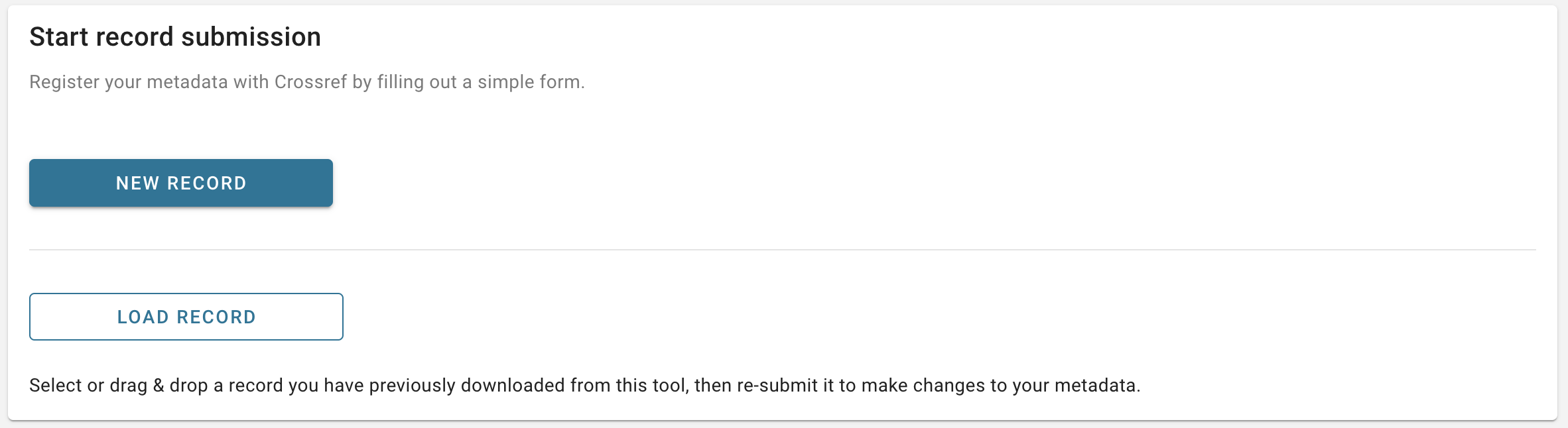
The new Metadata Manager tool (previously known as the record registration form) can be used to deposit metadata for your records. You do not need any knowledge of XML to use it. The tool currently supports journal articles and grants, but we are planning to add support for additional record types in future.
Select the type of record you wish to create, then enter the metadata associated with your record in the corresponding fields. Some fields are required to be filled out in order to submit your record, while others are optional. If you are registering a journal article, you can find links to our documentation in the form for more information on what each field means.
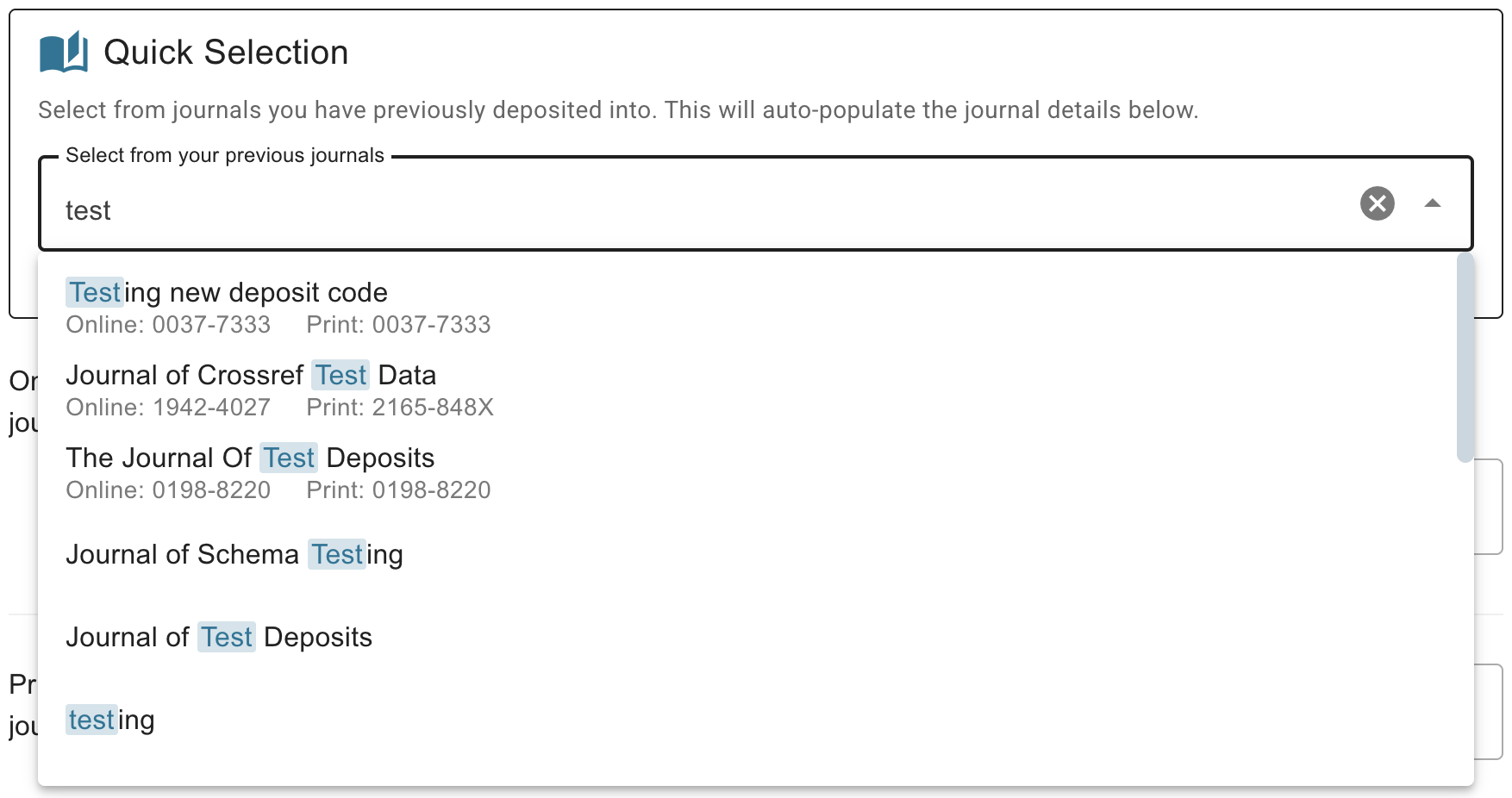
Journal article metadata also includes some information on the journal and, optionally, the issue and/or volume that the article was published in. To help avoid common errors with journal titles, you can auto-fill the journal metadata by choosing from a list of titles you have previously deposited into. You can search the list by title or by ISSN. Note that an ISSN is currently required to use the new Metadata Manager for registering journal articles.
Submit your record
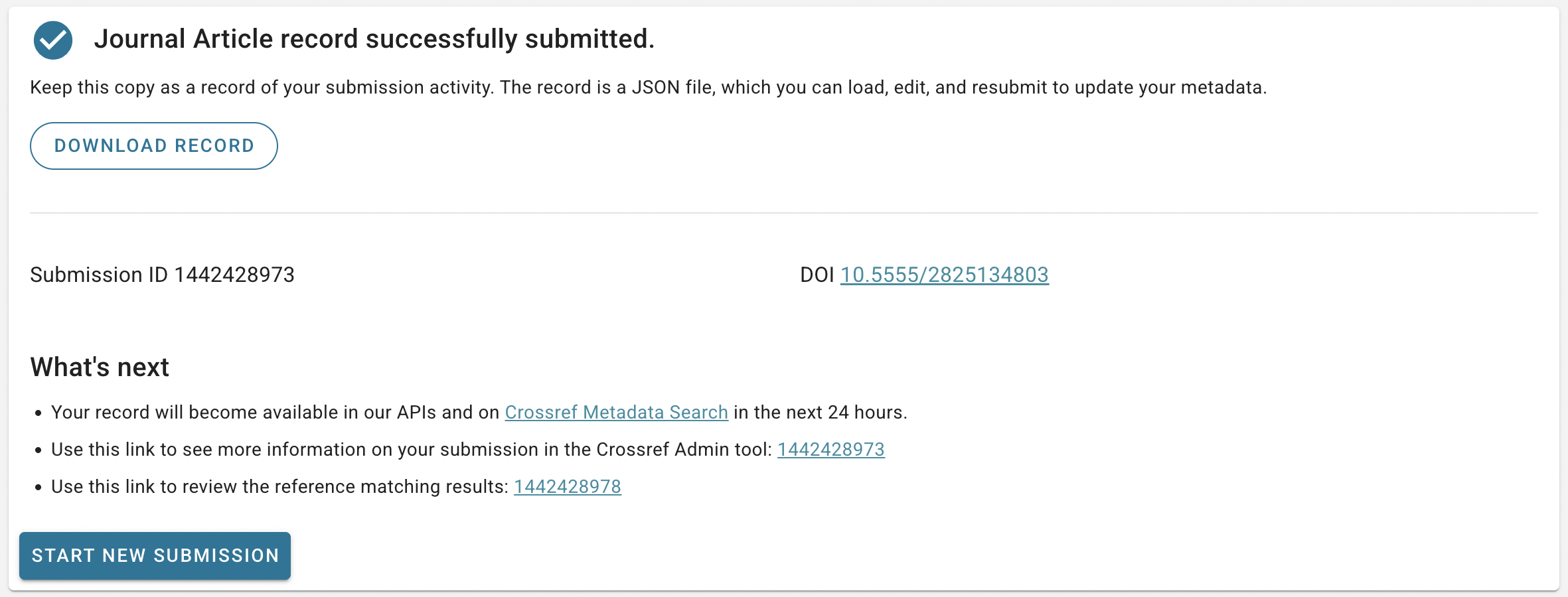
After filling out the required fields as well as any optional metadata you want to deposit, check that everything looks correct and then click Submit at the bottom of the form. The submission will be made immediately and a success message will appear on the screen.
From the success page, you can click through to more information about your submission in our Admin tool, or start another submission right away. If you have registered a journal article, you can choose to repeat the process for another article in the same journal and/or journal issue, which will pre-fill the form with the appropriate metadata so you don’t have to re-enter it.
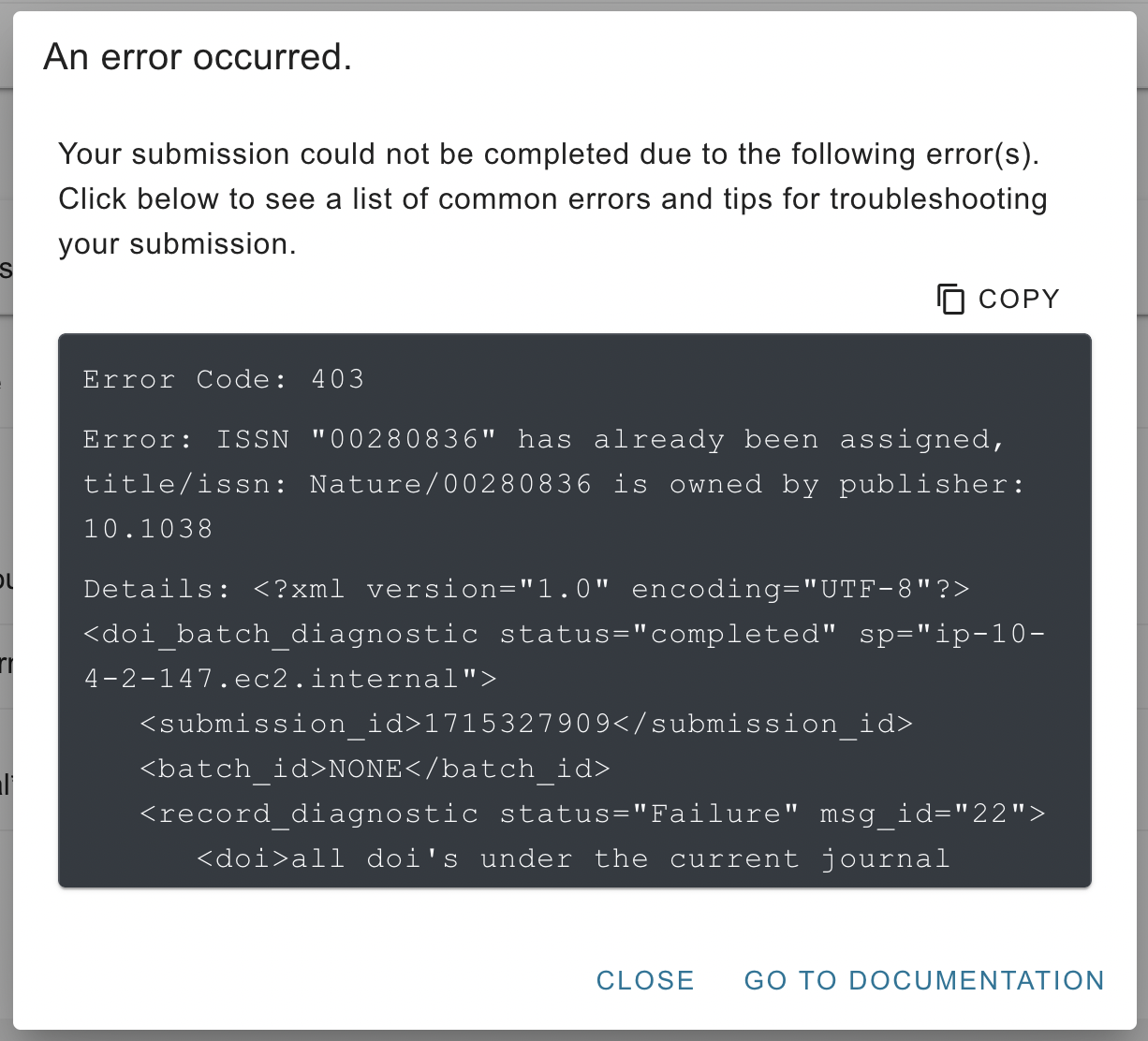
If there is a problem with your submission, you will see an error message appear instead of the success page. Go to the documentation for tips on how to troubleshoot common errors from our deposit system.
Edit an existing record
Metadata can change over time, and the new Metadata Manager tool allows you to update your records to reflect this.
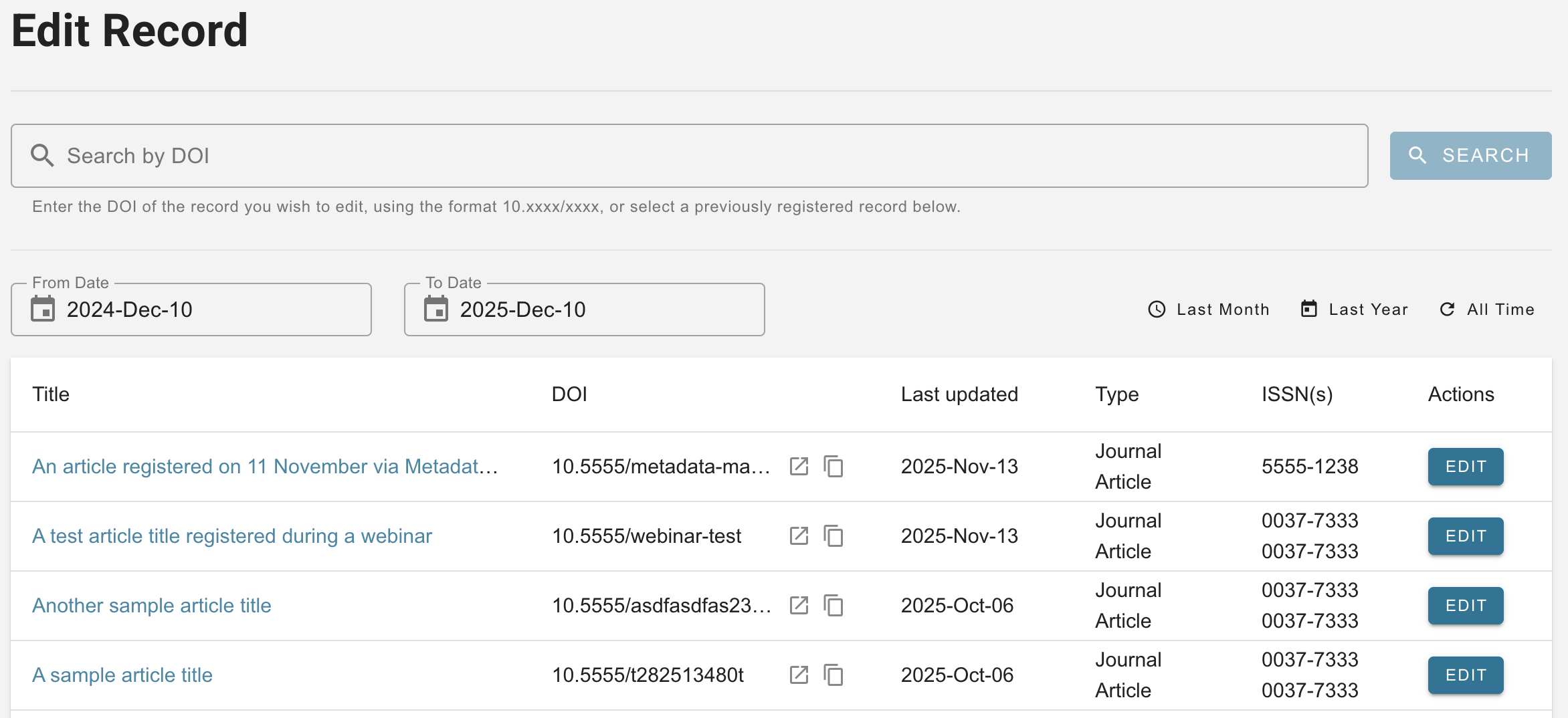
Choose Edit Record from the landing page or the sidebar navigation to see a list of the journal article and grant records you have previously registered using this tool, the web deposit form, or the deprecated legacy Metadata Manager.
You can search for any DOI, scroll through the list of previously registered records, or filter it by the date when the record was last updated. Find the record you are looking for and click Edit to access a form page with the record’s current metadata filled in. Simply make any changes and submit the record again to register the updated metadata.
Page maintainer: Lena Stoll Last updated: 2026-January-23